Best Local LLM by RAM (2026): 8GB to 128GB Picks
Your RAM decides which local LLM you can run. This hub maps every common tier from 8GB to 128GB to the model that fits in July 2026. Quick answer: run Qwen 3.6 27B at 24-32GB, Laguna XS 2.1 for agentic coding at 48-64GB, and gpt-oss 120B at 64-128GB. Below each tier links to a full guide with quant sizes and OpenClaw tool-call notes.
Need help picking the right model for your hardware?
See our AI training options. We'll match your RAM to the right model and quant in 30 minutes.
Not sure which row matches your machine? Use the local AI hardware calculator for a direct recommendation based on platform, RAM, and GPU VRAM.
Pick Your RAM Tier (2026)
| Your RAM | Best Pick | Best For OpenClaw | Detailed Guide |
|---|---|---|---|
| 8 GB | Qwen 3.5 4B (Q5_K_M) | Not recommended — use cloud | 8GB guide → |
| 16 GB | Qwen 3.5 9B (Q5_K_M) / Gemma 4 12B (Q5_K_M) | gpt-oss 20B (Q4) | 16GB guide → |
| 24 GB | Gemma 4 26B-A4B (Q4_K_M) ← NEW / Qwen 3.6 27B (Q4_K_M) | gpt-oss 20B (Q5) | 24GB guide → |
| 32 GB | Qwen 3.6 27B (Q6_K) / Gemma 4 31B (Q6_K) ← NEW | Qwen 3.6 27B / gpt-oss 20B (Q8) | 32GB guide → |
| 48 GB | Laguna XS 2.1 (Q8) ← coding / Qwen 3.6 35B-A3B (Q5) / Gemma 4 31B (Q8) | Qwen 3.6 27B (Q8) | 48GB guide → |
| 64 GB | gpt-oss 120B (Q4_K_M) / Laguna XS 2.1 for coding | gpt-oss 120B / Mistral Small 4 (119B-A6B) | 64GB guide → |
| 96 GB | Qwen 3.5 122B-A10B (Q4_K_M) | gpt-oss 120B (Q5) | 96GB guide → |
| 128 GB | gpt-oss 120B (Q6_K) | gpt-oss 120B (Q8) | 128GB guide → |
Ready to buy? See the tested hardware list with current prices.
If you came from a Reddit-style model search, use the short versions first: Best local LLM Reddit picks for OpenClaw, Reddit’s favorite local LLM for OpenClaw, Best OpenClaw model Reddit users recommend, 32GB Reddit shortlist, 64GB Reddit shortlist, or 128GB Reddit shortlist. Those pages answer the “what does Reddit recommend?” phrasing directly, then route back here for the full RAM table.
What Changed by July 2026
The local LLM landscape moved fast between February and July 2026:
- Gemma 4 (Google, April 2026) — Ships in five sizes and splits by tier. The dense 12B (7.12GB at Q4_K_M, 8.41GB at Q5_K_M) is the 16GB pick; the sparse 26B-A4B MoE (25.2B total, 3.8B active, 16.9GB at Q4_K_M) is the 24GB pick; the dense 31B (30.7B params — 18.3GB at Q4_K_M, 25.2GB at Q6_K, 32.6GB at Q8_0) suits 32-48GB. All carry a 256K context window and multimodal input.
- Laguna XS 2.1 (Poolside) — 33B/3B MoE with a 256K context. It fits in about 36GB at Q8 and is now the best agentic-coding pick for the 48-64GB tiers. It is in the Ollama library.
- DeepSeek V4 Flash — Runs on Ollama cloud only (use the
:cloudcommand). Local V4 support is still experimental forks, so treat it as cloud-first at every consumer RAM tier. - Qwen 3.6 27B (April 22) — Dense 27B that outperforms the 397B Qwen 3.5 MoE on agentic coding (77.2 vs 76.x on SWE-Bench Verified). Still the default for 24-32GB tiers.
- GLM-5.1 (April 7) — 744B MoE from Z.ai. Cloud-only. (Earlier guides citing “GLM-5.1 32B” were referring to the older GLM-4 line, not 5.1.)
- Mistral Small 4 (March 16) — 119B-A6B MoE that fits at Q4 in about 60GB. Replaces Mistral Large 123B.
- Qwen 3.5 small series (March 2) — 0.8B / 2B / 4B / 9B variants. The 9B is the new 16GB tier pick.
- Qwen 3.5 medium (February 24) — 27B dense, 35B-A3B MoE, 122B-A10B MoE. The 35B-A3B MoE is excellent at 48GB.
- Llama 3.3 70B — Still works, no longer the default. The Qwen and gpt-oss families have caught up at smaller sizes.
How to Use This Guide
Step 1: Find your usable RAM, not your installed RAM. On Mac, the OS reserves 4-6GB. On Windows or Linux with an NVIDIA GPU, the relevant number is VRAM (the GPU’s onboard memory), not system RAM.
Step 2: Subtract context overhead. A 32K context window costs roughly 4-6GB. A 128K window costs 16-24GB. Model weights are not the only thing that has to fit.
Step 3: Pick the highest-quality quant that leaves headroom. Q5_K_M is the sweet spot. Q4_K_M is the standard. Below Q3 starts to hurt tool calling, which kills agent runs.
OpenClaw Tool-Calling Reality Check (2026)
Most local LLM guides talk about benchmark scores. For OpenClaw, only one metric matters: does the model emit valid JSON when asked to call a tool, hundreds of times in a row, without drift?
Models that pass this filter today:
- gpt-oss 20B — cleanest tool-call JSON in production, this is the safe default
- gpt-oss 120B — same family, scaled up
- Qwen 3.6 27B — fixed the tool-calling regressions from 3.5
- Qwen 3.6 35B-A3B (MoE) — fast inference with reliable tools
- Llama 3.3 70B — still fine for tool calls
- Mistral Small 4 (119B-A6B) — works, but heavier than gpt-oss
Models to avoid for OpenClaw right now:
- Qwen 3.5 27B — known broken tool-calling in Ollama (GitHub issue #14493)
- Anything under 7B — too unreliable for autonomous loops
- Most fine-tunes of base models
Quantization Cheat Sheet
| Quant | Bits/weight | Quality | When to use |
|---|---|---|---|
| Q8_0 | 8 | Near-FP16 | When you have 2x the model size in RAM |
| Q5_K_M | ~5.5 | Indistinguishable from Q8 | Best quality-to-size ratio |
| Q4_K_M | ~4.5 | Loses 1-3% on benchmarks | Standard pick when RAM is tight |
| IQ3_XS | ~3.3 | Noticeable degradation, MoE-friendly | Squeeze a bigger model into too-little RAM |
| Q2_K | ~2.6 | Significantly degraded | Last resort, breaks tool calling |
🛒 Recommended hardware for local AI
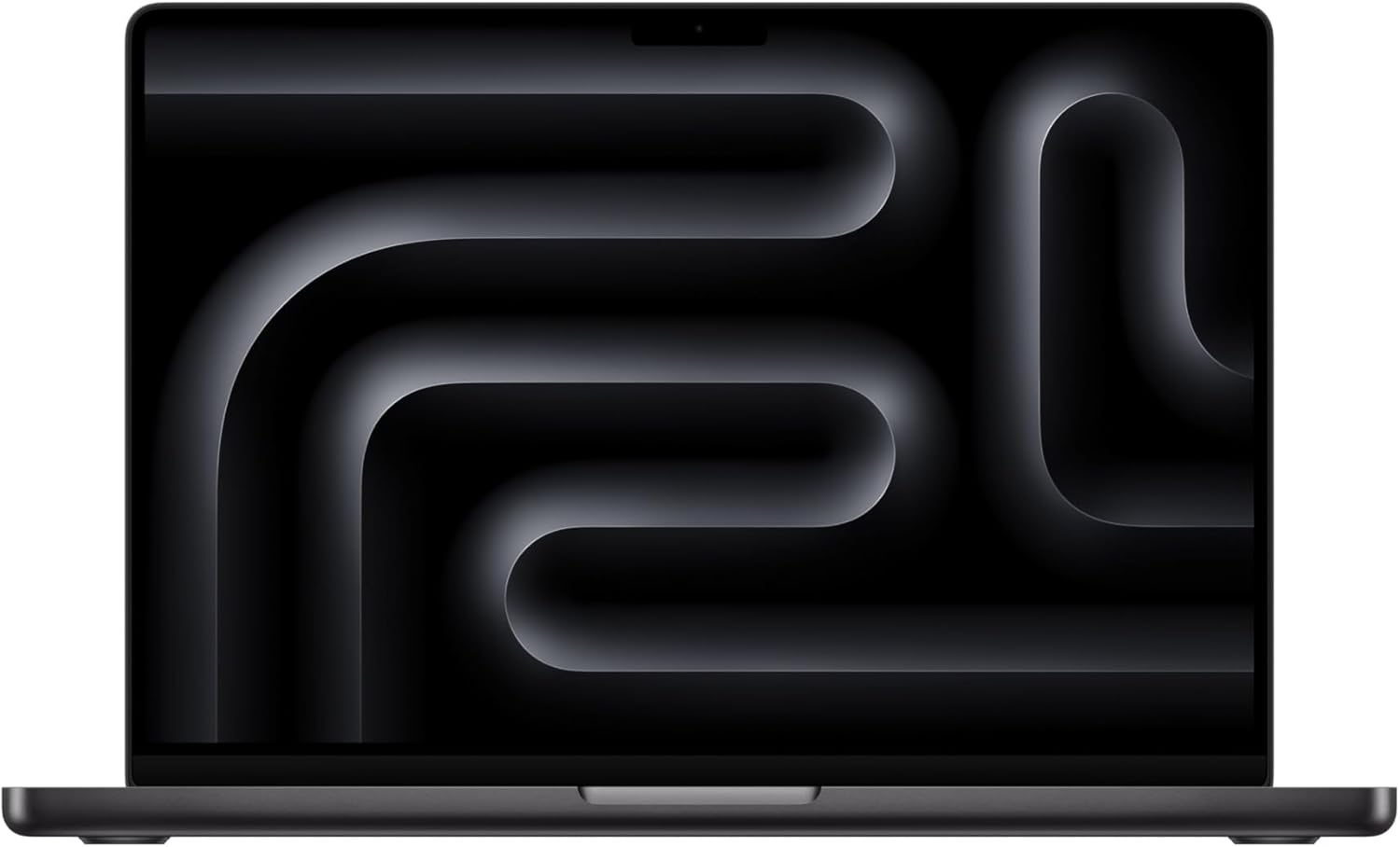
The two Macs that handle the workloads on this page.
Amazon affiliate links — we earn a small commission at no cost to you.
Can Your RAM Run It? (exact-answer guides)
- Can I run Llama 3.3 70B with 64GB RAM? — the 70B-on-64GB question
- 128GB RAM + 24GB VRAM — offloading across RAM and a 24GB GPU
- 128GB RAM + 48GB VRAM — the workstation split
- 128GB RAM, no GPU — unified memory vs system RAM
- 64GB RAM + 24GB VRAM — the value workstation tier
- Can I run OpenClaw with 16GB RAM? — the tight-but-workable floor
- Can I run OpenClaw with 8GB RAM + 8GB VRAM? — the entry-level question
Before you order parts, check the tested hardware list for current prices by tier.
See Also
- Best Local LLM by GPU (hub) — the VRAM-tier matrix for discrete-GPU rigs
- How Much Context Fits in 128GB RAM? — memory headroom, KV cache, and context settings for the top RAM tier
- Best Local LLM Reddit Picks for OpenClaw — exact broad Reddit-intent hub before choosing a RAM tier
- Reddit’s Favorite Local LLM for OpenClaw — Reddit-intent hub for favorite-model and best-local-LLM searches
- Best OpenClaw Model Reddit Users Recommend — exact OpenClaw model query with workload routing
- 32GB vs 64GB RAM for Local LLMs — buying decision for the two mainstream serious tiers
- 64GB vs 128GB RAM for Local LLMs — buying decision for serious-work vs power-user machines
- Why Is My Local LLM So Slow? — diagnose RAM, VRAM, context, CPU fallback, and OpenClaw tool-loop latency
- Best Local Models for OpenClaw — model-first comparison
- OpenClaw Mac Mini Setup — turn a Mac mini into an always-on host
Apple Silicon chip guides:
-
Best Local LLM for M4 Pro — the M4 Pro tier (Mac mini now caps at 48GB since May 2026)
-
Best Local LLM for Mac Studio M4 — M4 Max, up to 128GB, a quiet private LLM server
-
Best Local LLM for Mac Studio M3 Ultra — up to 512GB for 70B at Q8 and 100B+ MoE
-
Mac mini vs Mac Studio for Local LLMs — which Apple Silicon host to buy
-
OpenClaw Costs Guide — when local pays back the hardware
-
OpenClaw Troubleshooting — fixes for common local-model issues
How do you turn a RAM choice into a business capacity plan?
Model fit is only the first constraint. Use the local LLM hardware guide for 5, 10, or 25 users to translate memory into concurrent capacity, and the small-business local LLM server cost worksheet to price the complete deployment. The cloud GPU vs local GPU comparison covers the rent-or-buy decision, while the local LLM cost-per-million-tokens method gives you a measured operating unit.
For workload design, see the guides to local customer-support inference and private local document processing. Both start with a bounded pilot instead of assuming that a model fitting in memory makes the full workflow production-ready.
Need OpenClaw fixed live?
Remote rescue sessions for gateway, auth, tunnel, VPS, and model access problems.
See Rescue Session