Best Local LLMs for 16GB RAM: Qwen 3.5 9B & gpt-oss 20B
16GB is the first tier where local LLMs become genuinely useful. Run Qwen 3.5 9B at Q8 for premium quality, gpt-oss 20B at Q4 for OpenClaw production tool calling, or squeeze the brand-new Qwen 3.6 27B at IQ3. This is also the entry point where OpenClaw works for short tool-calling sessions, though autonomous agents still need 24GB+ for long runs.
Want OpenClaw running on your 16GB Mac?
See our AI training options. We'll set up a hybrid local + cloud config that maximizes your hardware.
Bottom Line (2026)
- Best overall pick: Qwen 3.5 9B at Q8_0 (premium quality, fits comfortably)
- Best for OpenClaw: gpt-oss 20B at Q4_K_M (cleanest tool-call JSON in production)
- Best squeeze for capability: Qwen 3.6 27B at IQ3_XS (brand new, fits in ~11GB)
- For long agent runs: Step up to 24GB or use cloud fallback
Ready to buy? See the tested hardware list with current prices.
Top Picks for 16GB RAM
1. Qwen 3.5 9B (Q8_0) — best general-purpose
The Qwen 3.5 small series 9B variant (released March 2, 2026) at full Q8 uses about 10GB and delivers near-FP16 quality with 64K context. Excellent reasoning and chat, decent code, multimodal capable.
ollama pull qwen3.5:9b-q8_0

ollama run qwen3.5:9b-q8_0 "Refactor this function to use async/await"
Expected speed: 25-40 tokens/sec on M1/M2 Pro, 60-90 on RTX 4070.
2. gpt-oss 20B (Q4_K_M) — best for OpenClaw production
OpenAI’s open-weight 20B model. About 12GB at Q4_K_M with 16K context. The cleanest tool-call JSON output of any open-weight model, which is exactly what OpenClaw needs for reliable autonomous loops.
ollama pull gpt-oss:20b

openclaw config set agents.defaults.models.chat ollama/gpt-oss:20b
openclaw config set agents.defaults.context_limit 16000
openclaw chat "List the three largest files in my home directory"
This is the production OpenClaw pick at 16GB.
3. Qwen 3.6 27B (IQ3_XS) — squeeze for the new April 22 release
Qwen 3.6 27B (released April 22, 2026) at IQ3_XS fits in about 11GB. It scores 77.2 on SWE-Bench Verified — outperforming the 397B Qwen 3.5 MoE on agentic coding. Quality at IQ3 is degraded but the underlying model is strong enough that it still beats most 14B models at higher quants.
ollama pull qwen3.6:27b-iq3_xs
openclaw config set agents.defaults.models.chat ollama/qwen3.6:27b-iq3_xs
4. Mistral Nemo 12B (Q5_K_M) — long context champion
Native 128K context. Uses about 9GB at Q5. Pick this if you regularly paste long documents or work with large codebases. Tool calling is decent but trails gpt-oss.
ollama pull mistral-nemo:12b-instruct-2407-q5_K_M
5. Phi-4 14B (Q4_K_M) — strong on reasoning and math
Microsoft’s Phi-4 at Q4 uses about 9GB. Best in class for math and step-by-step problem solving at this RAM tier. No fresh updates from Microsoft in 2026, so Qwen 3.5 9B has caught up on most other tasks.
What Fits in 16GB
| Model | Quant | RAM Used | Tool Calling |
|---|---|---|---|
| Qwen 3.5 9B | Q8_0 | ~11 GB | Good |
| gpt-oss 20B | Q4_K_M | ~13 GB | Excellent (production) |
| Qwen 3.6 27B | IQ3_XS | ~12 GB | Good (degraded) |
| Phi-4 14B | Q4_K_M | ~10 GB | Good |
| Mistral Nemo 12B | Q5_K_M | ~9.5 GB | Good |
| Qwen 3.5 4B | Q8_0 | ~5 GB | Fair |
OpenClaw Setup on 16GB
# 1. Pull gpt-oss 20B (best tool-call reliability)
ollama pull gpt-oss:20b

# 2. Wire it into OpenClaw
openclaw config set agents.defaults.models.chat ollama/gpt-oss:20b

# 3. Cap context to 16K
openclaw config set agents.defaults.context_limit 16000

# 4. Configure cloud fallback for long runs
openclaw config set agents.defaults.fallback openrouter/qwen/qwen-3.6-27b

# 5. Verify
openclaw models status
Common Mistakes at 16GB
- Picking Qwen 3.5 27B for OpenClaw. Tool calling is broken in Ollama (GitHub issue #14493). Use gpt-oss 20B or wait for Qwen 3.6 27B at IQ3.
- Running 30B models at IQ2. They fit but tool calling collapses. Stay at IQ3 minimum, or step down to a smaller model at Q5.
- Leaving Spotify, Slack, and 50 Chrome tabs open. They cost 4-6GB. Quit before launching the model.
- Using a 128K context window with a 14B model. The KV cache alone eats 12GB. Cap at 32K.
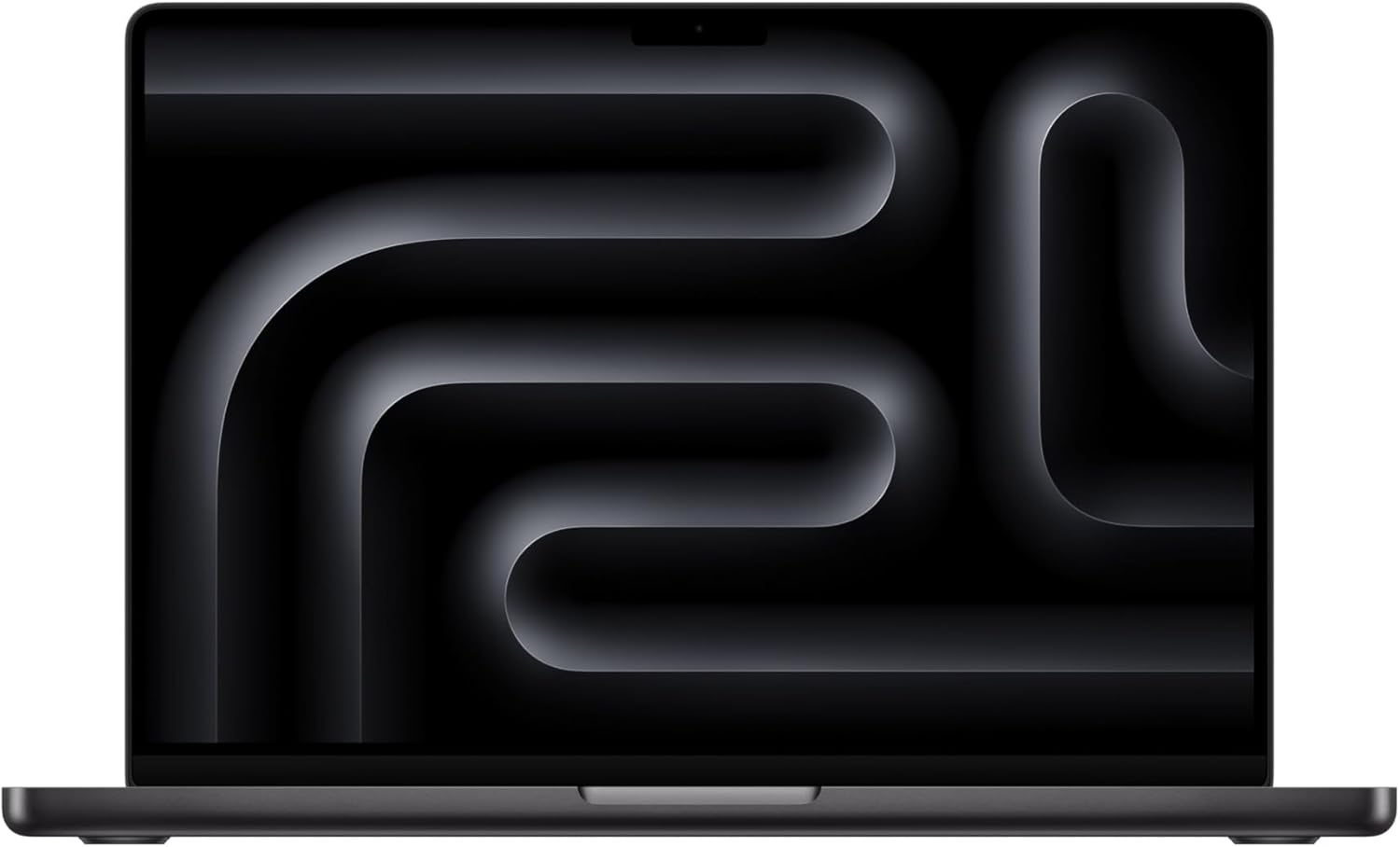
🛒 Recommended hardware for local AI
The two Macs that handle the workloads on this page.
Amazon affiliate links — we earn a small commission at no cost to you.
Hardware That Actually Hits 16GB
- Apple Mac mini M4 (16GB) — best value local LLM box at this tier
- M1 Pro / M2 / M3 / M4 MacBook (16GB)
- RTX 4070 Ti SUPER 16GB / RTX 4080 16GB — discrete GPU option
Before you order parts, check the tested hardware list for current prices by tier.
See Also
- Best Local LLMs for 8GB RAM — entry tier
- Best Local LLMs for 24GB RAM → — next step up (where Qwen 3.6 27B shines)
- Best Local LLM by RAM (hub)
- OpenClaw Mac Mini Setup
- Best Local LLM for a 16GB MacBook Pro — on a Mac this tier is really a 10-11GB budget
Need OpenClaw fixed live?
Remote rescue sessions for gateway, auth, tunnel, VPS, and model access problems.
See Rescue Session