Best Local LLM for 96GB RAM (2026): gpt-oss 120B at Q5
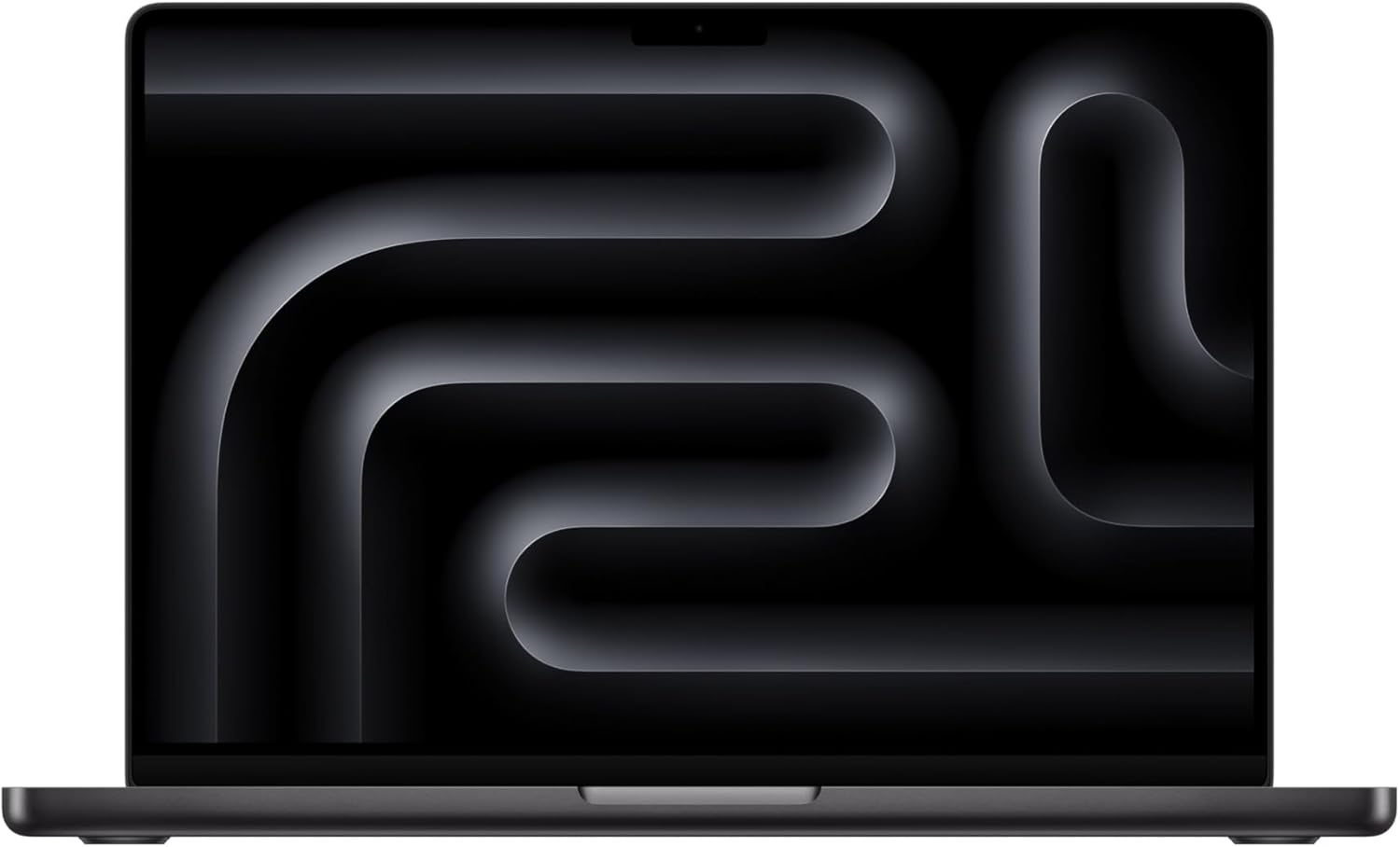
96GB is a strong position in June 2026. Three new models arrived that fit comfortably: Llama 4 Scout (10M context, ~58GB at Q4), DeepSeek V4 Flash (~80GB at Q4, top coding), and more headroom for gpt-oss 120B at premium Q5 quality. The Mac Studio M3 Ultra 96GB (800 GB/s bandwidth) is ~40% faster than M4 Max on the same model.
96GB Mac Studio for serious local AI?
See our AI training options. We'll architect a quad-model setup that turns your Mac Studio into a private LLM server.
Rather have a GPU than unified memory? The RTX PRO 6000 Blackwell packs 96 GB of VRAM — the same memory budget as a 96 GB Mac, for 100B-class MoE and 70B at long context without CPU offload.
- Llama 4 Scout — 109B/17B MoE, ~58GB at Q4, 10M context window, fits with lots of headroom
- DeepSeek V4 Flash — 284B/13B MoE, ~80GB at Q4, top SWE-Bench coding, via ds4 engine
- Llama 4 Maverick (400B) does NOT fit 96GB — needs 128GB minimum at Q4
Shopping, not just reading? Our full gear ladder lists every verified pick by tier — Macs, single GPUs, and multi-GPU builds — with what to buy and what to skip.
Bottom Line (2026)
- Best overall pick: gpt-oss 120B at Q5_K_M (cleanest tool calls, production-proven)
- Best long documents: Llama 4 Scout at Q4 — 10M context, ~58GB, fits with 38GB headroom
- Best coding: DeepSeek V4 Flash at Q4 — ~80GB, top SWE-Bench, via ds4 engine
- Best fast inference: Qwen 3.6 35B-A3B at Q8_0 (paired as fast second model)
- Best premium reasoning: Mistral Small 4 (119B-A6B) at Q5_K_M
New, August 25 2026: Apple brought the 256GB Mac Studio back with the M5 Ultra — 1.2 TB/s bandwidth, ships September 22. If this tier is not enough memory, that is now the machine to look at.
## Top Picks for 96GB RAM1. Qwen 3.5 122B-A10B (Q4_K_M) — best general-purpose
The Qwen 3.5 medium series flagship MoE released February 24, 2026. 122B total parameters, 10B active per token = 14B-class inference speed with 122B-class knowledge. About 75GB at Q4_K_M.
ollama pull qwen3.5:122b
openclaw config set agents.defaults.models.chat ollama/qwen3.5:122b
Speed: ~18-25 tok/sec on M3 Max 96GB. Note: Qwen 3.5 has the Ollama tool-calling bug (issue #14493) that can affect strict OpenClaw autonomous loops. Pair with gpt-oss 120B for the agent path.
2. gpt-oss 120B (Q5_K_M) — best for OpenClaw production
OpenAI’s flagship at Q5 uses about 80GB. The cleanest tool-call JSON of any open-weight model. The “ship it for OpenClaw” pick when reliability matters more than benchmark scores.
ollama pull gpt-oss:120b-q5_K_M
openclaw config set agents.defaults.models.chat ollama/gpt-oss:120b-q5_K_M
openclaw run --agent --max-hours 12 "Continuous CI agent"
3. Mistral Small 4 (119B-A6B MoE) at Q5_K_M — premium reasoning
Mistral’s March 16, 2026 release at Q5 uses about 80GB. 6B active parameters per token gives faster inference than gpt-oss 120B Q5 with comparable reasoning depth. Replaces the older Mistral Large 123B from 2024.
ollama pull mistral-small-4:q5_K_M
4. Quad-Model Setup at 96GB
Keep four specialized models loaded:
# Chat (Qwen 3.6 27B Q8) — 33GB
# Agent loops (gpt-oss 20B Q8) — 22GB
# Code (Nemotron Cascade 2 30B Q5) — 22GB
# Utility (Qwen 3.5 4B Q8) — 5GB

openclaw config set agents.defaults.models.chat ollama/qwen3.6:27b-q8_0
openclaw config set agents.defaults.models.agent ollama/gpt-oss:20b-q8_0
openclaw config set agents.defaults.models.code ollama/nemotron-cascade-2:30b-q5_K_M
openclaw config set agents.defaults.models.utility ollama/qwen3.5:4b-q8_0
openclaw config set agents.defaults.keep_alive 2h

openclaw models status
Total: ~82GB models + context + OS = comfortable on 96GB.
5. Llama 3.3 70B (Q6_K) — still works
The old standard at Q6_K uses about 60GB. Still solid but Qwen 3.5 122B-A10B and gpt-oss 120B both match or exceed it on most April 2026 benchmarks.
What Fits in 96GB
| Model | Quant | RAM Used | Tool Calling |
|---|---|---|---|
| Qwen 3.5 122B-A10B | Q4_K_M | ~78 GB | Fair (Ollama bug) |
| gpt-oss 120B | Q5_K_M | ~82 GB | Excellent (production) |
| Mistral Small 4 119B-A6B | Q5_K_M | ~82 GB | Good |
| Llama 3.3 70B | Q6_K | ~62 GB | Excellent |
| Quad-model setup | mixed | ~82 GB | Excellent |
| Qwen 3.6 27B + Qwen 3.6 35B-A3B (dual) | Q8 + Q6 | ~63 GB | Excellent |
Common Mistakes at 96GB
- Picking Qwen 3.5 122B-A10B for OpenClaw without gpt-oss fallback. The Ollama tool-calling bug (issue #14493) affects all Qwen 3.5 variants. Always pair with gpt-oss 120B for the agent path.
- Loading three models without setting keep_alive. Ollama unloads idle models in 5 minutes by default. Set
keep_alive 2hso model swaps don’t pause your workflow. - Running 235B+ models at IQ2 because “more parameters.” Quality at IQ2 is so degraded that a 122B-A10B at Q4 beats it. Skip the squeeze.
- Skipping the new Qwen 3.6 35B-A3B because the 122B-A10B fits. The 35B-A3B is faster and excellent for parallel use cases. Keep both for routing.
🛒 Recommended hardware for local AI
The two Macs that handle the workloads on this page.
Amazon affiliate links — we earn a small commission at no cost to you.
Hardware That Actually Hits 96GB
- Mac Studio M2 Max / M3 Max (96GB) — best dedicated host
- M3 Max / M4 Max MacBook Pro (96GB) — laptop option
- 2x RTX A6000 48GB = 96GB VRAM (Linux)
- 4x RTX 3090 24GB = 96GB VRAM (server build)
Before you order parts, check the tested hardware list for current prices by tier.
See Also
- Best Local LLMs for 64GB RAM — gpt-oss 120B Q4
- Best Local LLMs for 128GB RAM → — Qwen 3.5 397B + DeepSeek
- Best Local Models for OpenClaw
- Best Local LLM by RAM (hub)
- Best Local LLM for 96GB of VRAM — the same number on a card, not in system RAM
Need OpenClaw fixed live?
Remote rescue sessions for gateway, auth, tunnel, VPS, and model access problems.
See Rescue Session